
Let's wake him up.
Plug him in, snap your phone on, download the app. He'll complain the whole time. That's normal.


A USB-C PD power adapter
Frenchie runs on a USB-C PD (Power Delivery) wall adapter, the same kind of fast charger that most modern phones use. Chances are you already have one.
In the box: a USB-C cable. The wall adapter isn't included, so plug the cable into your own PD adapter.
Just make sure it's PD. Frenchie doesn't charge from standard 5V adapters.
Use
- USB-C wall adapters marked "PD" or "Power Delivery"
- Apple 20W USB-C adapter, Samsung 25W Super Fast Charger, and similar
- The USB-C cable from the box
Not compatible
- Older USB-A adapters (the rectangular port)
- Standard 5V chargers
- Computer, TV and car USB ports
Set up your charger
Four steps. No tools. Mild attitude.

(under the tail)
-
1
Find a PD power adapter
A USB-C wall adapter with Power Delivery. It's not in the box, but you probably have one already. Here's how to tell.
-
2
Plug him in. In the butt.
The USB-C port is under Frenchie's tail. We call it the Ultimate Stinky Butt Cavity. Plug in the included USB-C cable, then plug the other end into your PD adapter.
-
3
Snap your phone on his face
Hold your phone upright, screen facing out, and let the magnetic ring pull it into place. Qi2 and MagSafe phones snap right on. Check your phone.
-
4
Open the app
Your phone becomes Frenchie's face. He blinks, he judges, he talks back. Get the app.
Phone compatibility
Frenchie charges any phone that supports wireless charging. Some just need a little help sticking around.
iPhone with MagSafe
iPhone 12 and newer. Magnets built in.
Snaps right onAndroid with Qi2
Qi2 phones have the magnets built in too.
Snaps right onWireless charging
Most Qi Android phones. Use the magnet ring sticker from the box.
Add the ring stickerNo wireless charging
If your phone can't charge wirelessly, Frenchie can't charge it either.
Not supportedUse the magnet ring sticker
Your box includes a magnet ring sticker. It adds the magnets your phone is missing so it stays put on Frenchie's face while it charges.
- Take your phone out of its case and wipe the back clean and dry.
- Find your wireless charging coil. It's usually in the middle of the back of the phone. If you're not sure, search for your model plus "wireless charging coil location".
- Center the ring over the coil, peel and press it down firmly for about 30 seconds.
- Snap your phone onto Frenchie and check that it starts charging.

Get the app
The charger charges. The app turns your phone into Frenchie's face and gives him a voice, an opinion about everything, and absolutely no filter.
On Android? Frenchie works with any phone that supports wireless charging. No Qi2 magnets? Use the ring sticker from the box.
Create an account
He only talks to signed-in users. Told you he was grumpy.
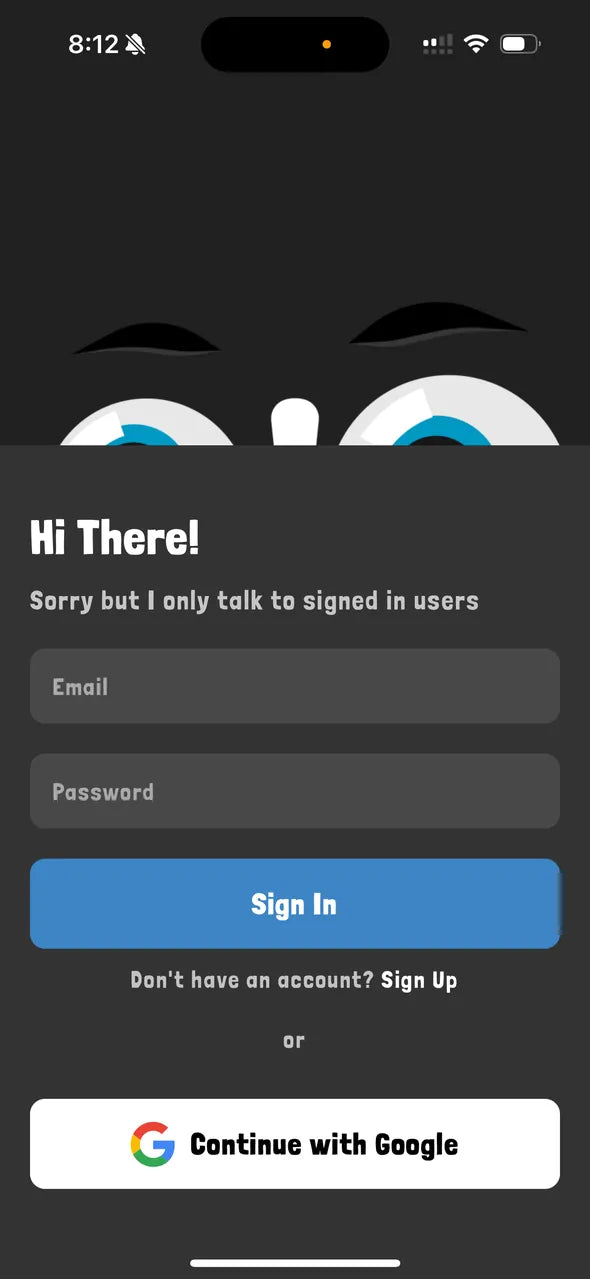
Tap "Sign Up" or "Continue with Google"

Enter your information
Passwords need 8+ characters with a number, a special character, and upper and lowercase letters.
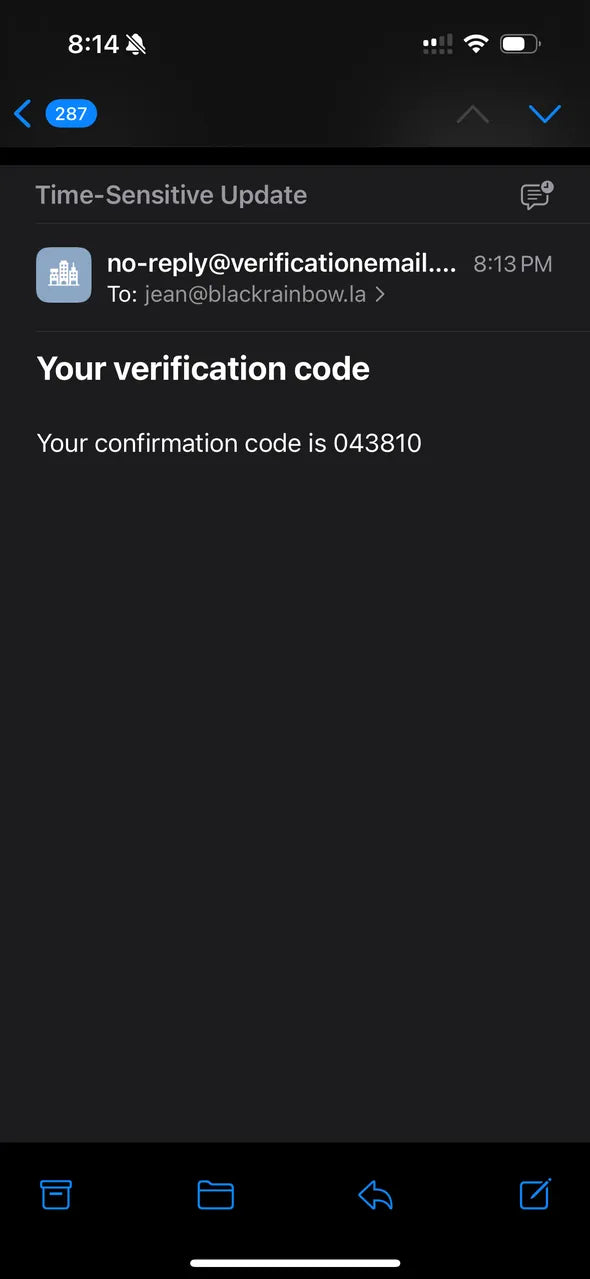
Check your email for a verification code
Not there? Peek in your spam or updates folder.
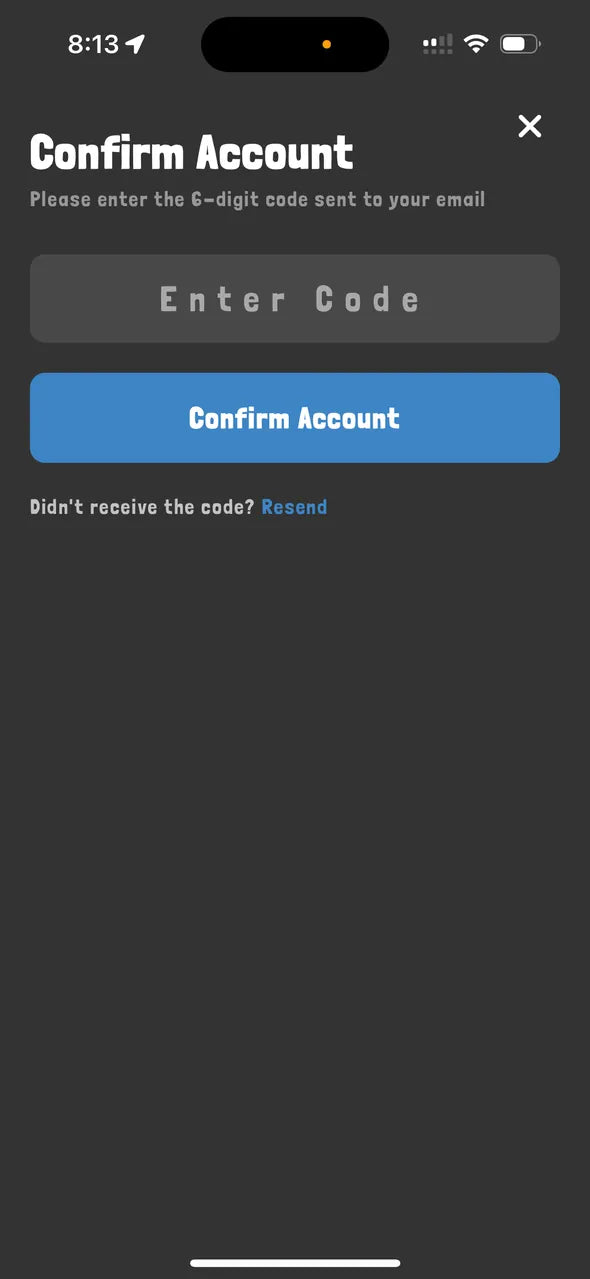
Enter the code and tap "Confirm Account"
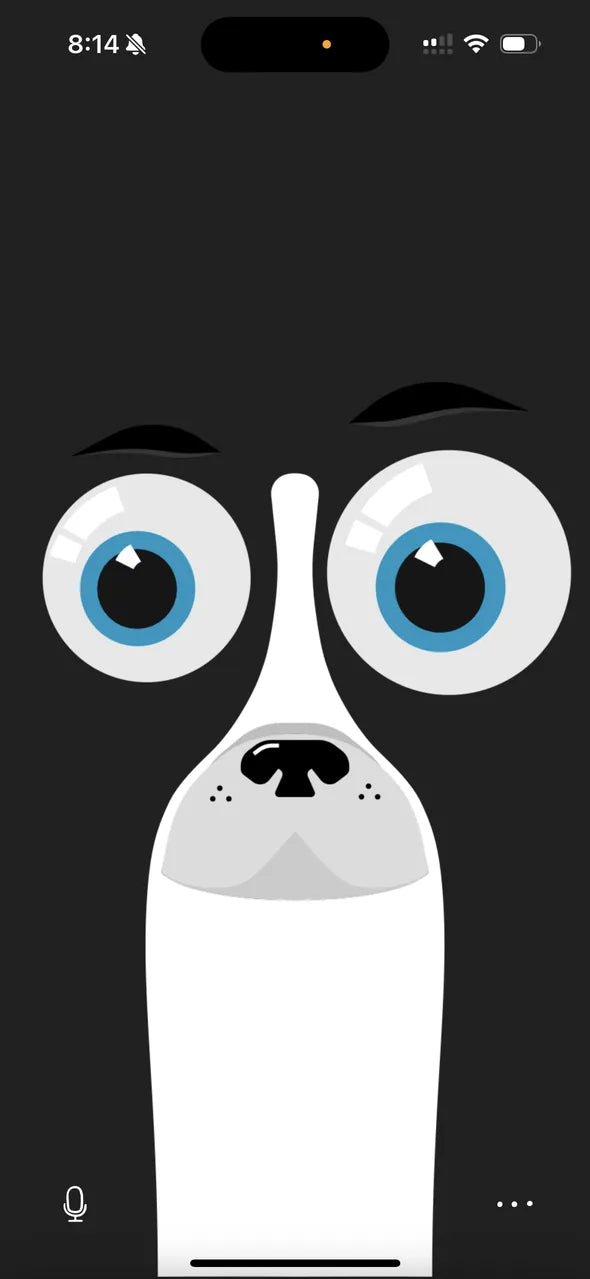
You're all set!
Frenchie's face shows up. He's already judging you.
How to use the app
Put your phone on Frenchie, open the app, and start talking.
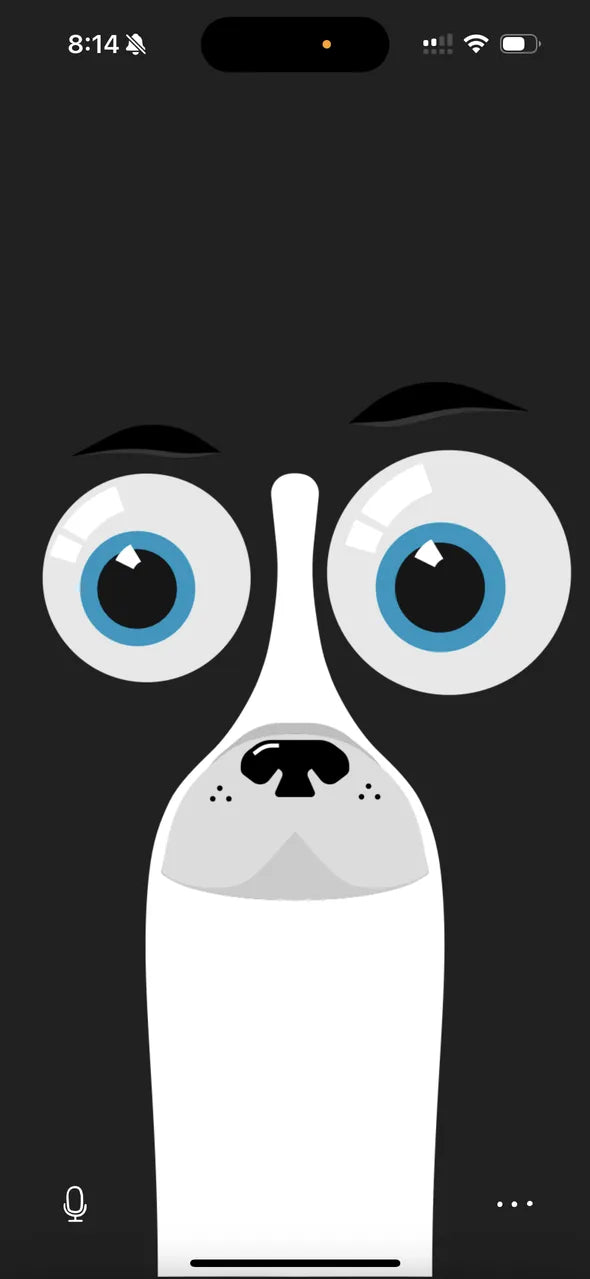
Press the mic icon on the bottom left
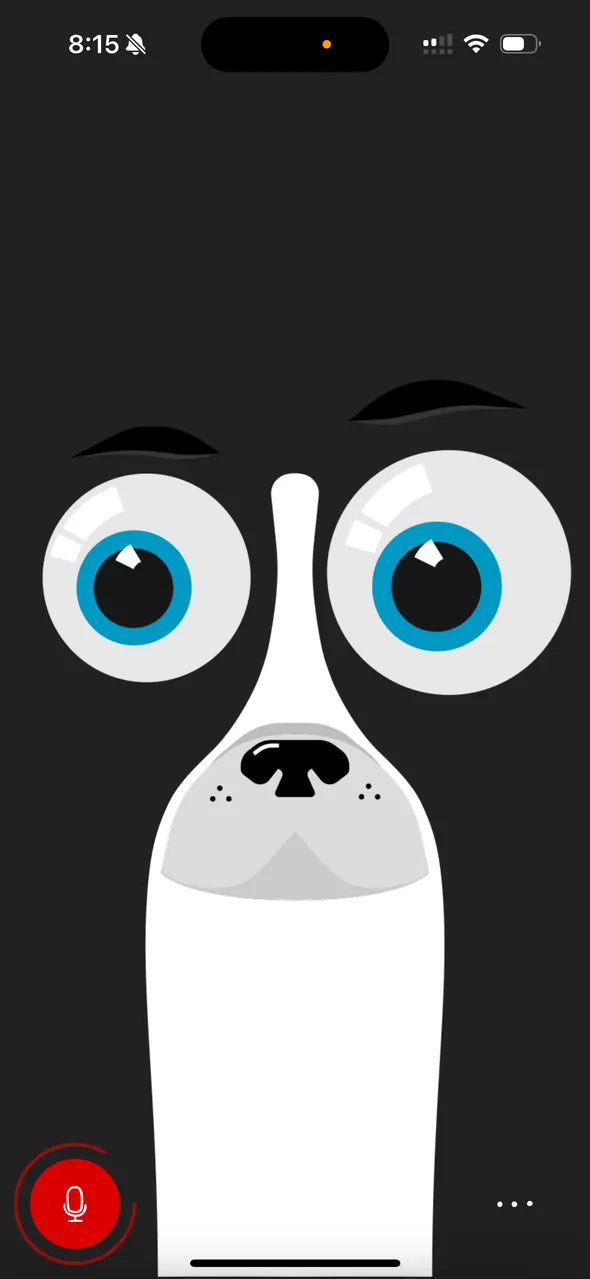
When the loading ring stops spinning, talk to Frenchie

Tap the 3 dots for shortcuts, chat and settings
Not just a pretty face
The only French bulldog that actually understands you. Don't expect him to listen, though.
Talk to him
Tap the mic and ask anything out loud. With Pro, just say Hey Frenchie
, and he can search the web, check the weather and draft emails for you. Pro
Grumpiness slider
Set how grumpy he gets in Settings. Be careful what you wish for.
Shortcuts
Tap the 3 dots for jokes, raps, stories, podcasts, the time, the weather and live translation. One tap, instant attitude.
Live translation Pro
Say Start live translation to French.
He detects who's speaking and translates English, French, German, Hindi, Italian, Portuguese, Spanish and Chinese.
Dress him up
100+ digital accessories, 5 color palettes and multiple voices (a few free, the full closet with Pro). Put on the gold chain and ask him to rap about Mondays.
IFTTT Coming soon
Connect 1000+ services so Frenchie can tell you when someone rings the doorbell, or give you a pep talk every day at 5pm.
Questions? Grumbles?
My phone isn't charging. What's wrong?
Check these in order:
- Power adapter. Make sure it's a USB-C PD (Power Delivery) adapter. Frenchie doesn't charge from standard 5V adapters.
- Cable. Use the USB-C cable from the box, plugged all the way into the port under the tail.
- Alignment. Your phone's charging coil needs to sit on the magnetic ring. On non-Qi2 Android phones, make sure the ring sticker is centered over the coil.
- Case. Thick or non-magnetic cases can block charging. Try without the case.
How do I know if my power adapter is PD?
Look for "PD" or "Power Delivery" printed on the adapter or its box. It will have a USB-C port (small and oval), not a USB-A port (the larger rectangle). Most recent USB-C phone chargers, like Apple's 20W USB-C adapter or Samsung's 25W Super Fast Charger, are PD.
Does it work with a phone case?
Yes, with a MagSafe or Qi2 compatible case. A regular case can work if it's thin, but the magnets may not hold. You can stick the magnet ring on the outside of a thin case instead.
Is there an Android app?
Yes. Get it free on Google Play. The charger works with Android phones that support wireless charging (use the included ring sticker if your phone isn't Qi2).
Is the app free?
The app is free to download. You get 10 voice minutes a day (up to 40 a month). An optional Pro subscription adds more voice time, "Hey Frenchie" hands-free, live translation, web search, weather, calendar and email drafts, billed through the App Store. You can manage or cancel it in iPhone Settings → [your name] → Subscriptions.
Is Frenchie OK for kids?
The app is for people 16 and older. Frenchie's personality can include strong language, especially in Uncensored mode. Keep the Grumpiness slider on Witty for a cleaner pup.
I still need help.
Email hi@grumpyfrenchie.com with what you were trying to do and your phone model. More help on our support page.